
Stacking Discounts: How Combining Coupons, Cashback, and Portal Rewards Works

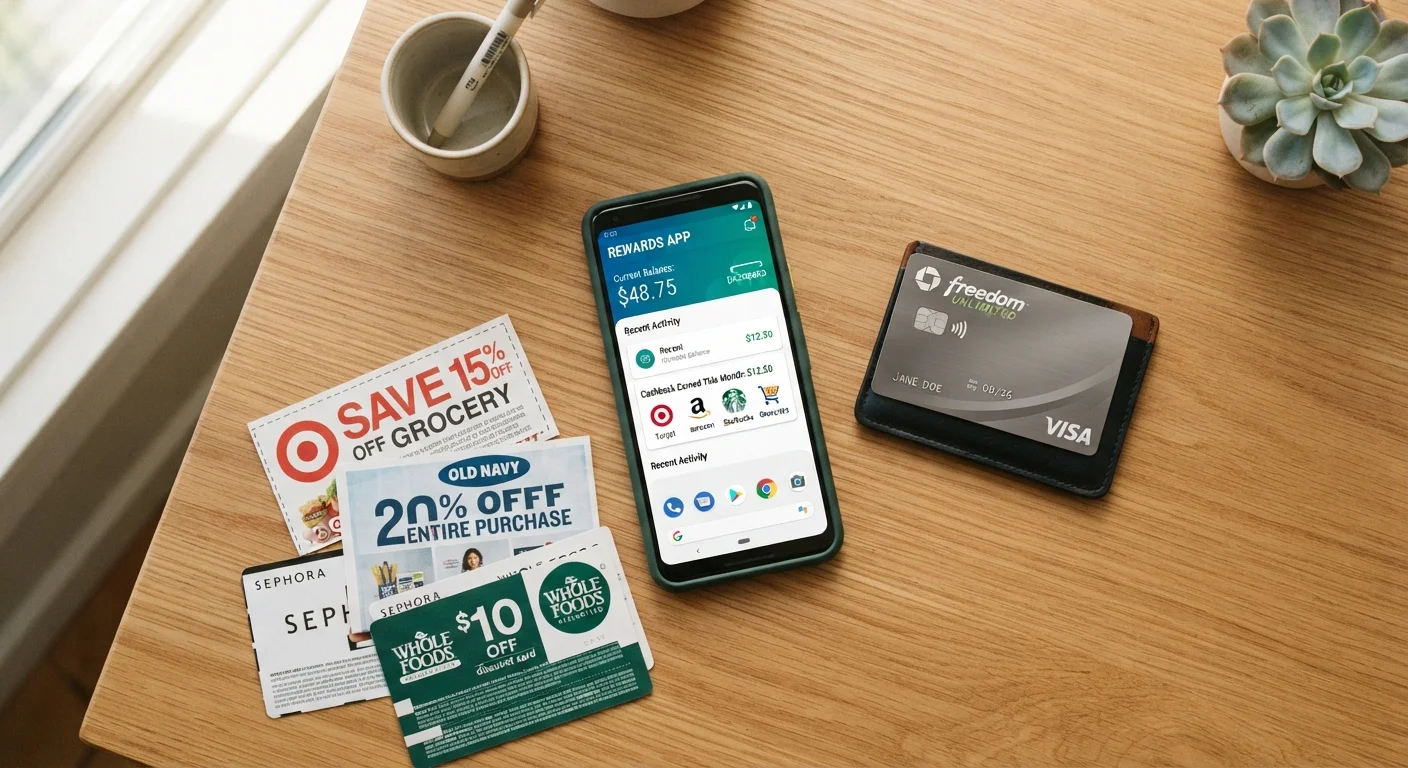
Photo: AnswersSquad.com | Explore Insightful Blogs editorial
Key Takeaways
- Discount stacking means layering coupons, cashback, and portal rewards on a single purchase to reduce the final price.
- Not all discount types can be combined — retailer coupon policies and cashback terms set firm limits.
- Shopping portals must be your starting point; navigating directly to a retailer breaks reward tracking.
- Credit card rewards and cashback apps often operate independently and can stack with other methods.
- Confirming each layer is active before you check out prevents voided rewards and wasted effort.
What Discount Stacking Actually Means
Discount stacking is the practice of applying more than one savings method to the same transaction. Instead of choosing between a coupon code and a cashback offer, you structure your purchase so both apply simultaneously. Done correctly, each layer reduces what you effectively pay without any single method canceling out the others.
The three most commonly combined layers are:
- Coupons or promo codes — applied at checkout to reduce the listed price directly.
- Cashback portals or browser extensions — earn a percentage back on your purchase total, paid out after the return window closes.
- Credit card or rewards program benefits — points, miles, or cash back earned on every dollar charged to the card.
These layers work at different points in the purchase funnel and are tracked by different systems, which is precisely why they can often coexist. Understanding where each layer lives — and what can interrupt it — is the foundation of stacking effectively. For a broader look at how to evaluate whether any deal is worth taking in the first place, see how to assess a deal's real value.
Start Small to Test Your Setup
Tools and Accounts You'll Need
Before you can stack, you need each layer set up and ready to activate independently.
What you will need
Cashback shopping portal
Acts as your entry point to the retailer's site and tracks your purchase to pay a percentage back after the return window closes.
Browser cashback extension
Automatically activates cashback or surfaces available coupon codes while you shop, without requiring you to start at a portal homepage.
Retailer loyalty or rewards account
Stores manufacturer or store-issued digital coupons and tracks member-only pricing applied at checkout.
Rewards credit card
Earns points, miles, or cash back on the charged purchase amount, operating independently of portal and coupon layers.
How to Stack Discounts Step by Step
The order in which you activate each layer matters — getting it wrong can void one or more of your rewards. Follow the sequence below for most online purchases.
Identify which discount layers are available for your purchase
Before opening any retailer site, research what's available. Check the cashback portal for the retailer's current rate, note any coupon codes you have (from email, loyalty account, or a code-aggregator site), and confirm your credit card's reward category for that merchant. Write down each layer and its value so you can verify all are active at the end.
Verify the cashback portal's stacking policy for that retailer
Navigate to the retailer's page on your chosen portal and look for terms or exclusions listed beneath the cashback rate. Confirm whether applying a coupon code reduces or eliminates your cashback eligibility. Some portals honor the combination; others reduce cashback to a flat rate when a code is used. Know this before you proceed.
Click through to the retailer from the portal
Once you're ready to shop, start your session by clicking the "Shop Now" button from the portal's retailer page. This sets a tracking cookie in your browser that links your eventual purchase back to your portal account. Do not open the retailer by typing its URL directly or using a saved bookmark — doing so breaks the tracking.
Add items to your cart and log into your loyalty account
Shop normally within the session started by the portal link. Log into your retailer account before proceeding to checkout so that any store-specific digital coupons or member pricing are applied. Do not click any external referral or comparison links during this session — doing so can overwrite the portal's tracking cookie.
Apply your coupon or promo code at checkout
Enter any coupon or promo code in the designated field at checkout. Confirm the discount has been applied to your order total before moving forward. If the code fails or the discount is lower than expected, do not add a second code without checking whether the portal's terms still cover the purchase — some portals exclude orders where any code was attempted, even an unsuccessful one.
Pay with your rewards credit card
Select your rewards card as the payment method. This layer is independent — it runs through the card network and is not visible to the retailer or the portal. Your card rewards accrue on the amount charged, which will already reflect any coupon discount applied in the previous step.
Confirm all layers and record the transaction
After completing the purchase, take a screenshot of your order confirmation and note the expected cashback amount shown in your portal account (it may appear as "pending"). Log into your credit card account to confirm the transaction posted. Keep this record until cashback is confirmed — portal claims typically take 60–90 days to finalize, and you'll need order details if you have to file a missing cashback report.
Don't Stack Based on Assumptions
Common Limits and Pitfalls
Stacking has real constraints, and ignoring them is the fastest way to lose expected savings.
Retailer coupon restrictions
Many retailers allow only one promo code per order. If a retailer's terms say "one coupon per transaction," a second code will either be rejected or silently override the first. Read the fine print in the cart before finalizing.
Cashback exclusions
Cashback portals frequently exclude specific categories — gift cards, marketplace third-party sellers, and clearance items are common exclusions. Some portals also reduce or eliminate cashback when a coupon code is applied. Always verify the portal's terms for the specific retailer before assuming stacking is permitted.
Portal cookie conflicts
If you click a cashback portal link and then click a different affiliate or comparison link before completing your purchase, the original portal tracking cookie can be overwritten. Stay within the portal's session and avoid opening new referral links mid-checkout.
Credit card category mismatches
A card that earns elevated rewards on groceries may categorize a retailer differently than you expect. Confirm the merchant category code (MCC) before counting on bonus rates — you can usually verify this by checking your card's reward terms or calling the issuer.
If you're weighing which discount method to prioritize when stacking isn't possible, a comparison of cashback and coupons can help you decide which approach fits your habits best. For a full-spectrum strategy that goes beyond stacking, the complete playbook for online deal-finding covers price alerts, seasonal timing, and more.
This article is for general informational and educational purposes only and does not constitute financial advice. Savings outcomes vary by retailer, offer terms, and individual circumstances.
The content provided on our blog site traverses numerous categories, offering readers valuable and practical information. Readers can use the editorial team’s research and data to gain more insights into their topics of interest. However, they are requested not to treat the articles as conclusive. The website team cannot be held responsible for differences in data or inaccuracies found across other platforms. Please also note that the site might also miss out on various schemes and offers available that the readers may find more beneficial than the ones we cover.