
Marketplace Apps vs. Browser Shopping: Where Your Data Is Safer

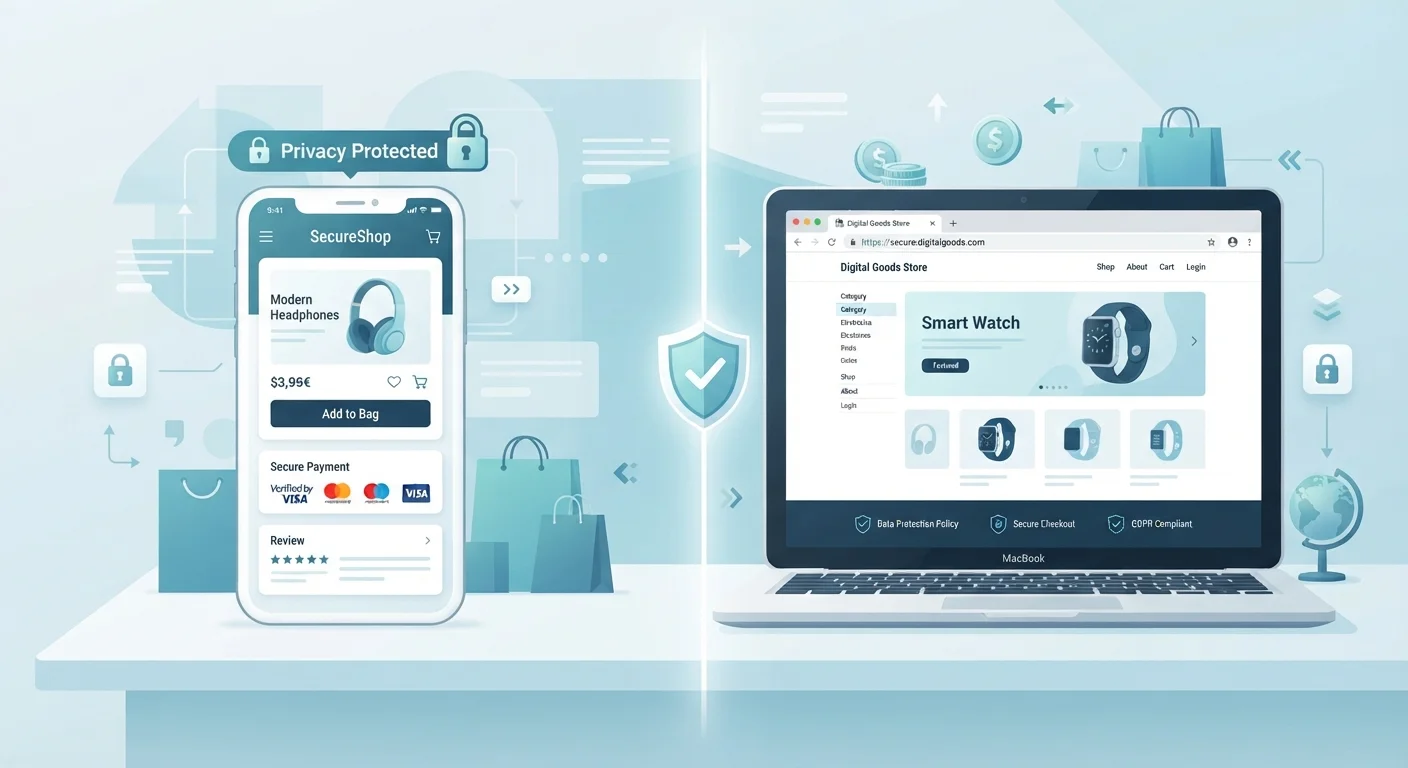
Photo: AnswersSquad.com | Explore Insightful Blogs editorial
Key Takeaways
- Marketplace apps typically request broader device permissions — location, contacts, camera — than browser sessions require.
- Browsers offer more standardized privacy controls, including cookie management and private/incognito modes.
- App-based tracking is often harder to audit than browser-based tracking, which is governed by well-known cookie consent frameworks.
- Neither channel is inherently "safe" — your choices around permissions, passwords, and payment methods matter most.
- Reviewing an app's permission requests before installing is one of the most actionable privacy steps you can take.
What Each Channel Actually Collects
When you shop through a native app, the platform can collect far more than your purchase history. At install time, apps commonly request access to your device location, camera, microphone, contacts, and notification settings. Even permissions that seem unrelated to shopping — like contact access — can be used to build social graphs that inform ad targeting. Importantly, many of these permissions run in the background after you close the app.
Browser shopping operates differently. Websites collect data primarily through cookies, pixels, and browser fingerprinting — techniques that are well-documented and increasingly regulated under frameworks like the California Consumer Privacy Act (CCPA). Most modern browsers give you granular controls: you can block third-party cookies, use private browsing modes that don't persist session data, or install content blockers. Our guide to browser extensions is worth reading if you want to understand what those tools track in return.
The practical takeaway: apps have a wider surface area for data collection by design. That's not automatically sinister — personalization depends on data — but it's worth knowing before you tap "Allow."
Permissions, Cookies, and What You Can Actually Control
With apps, your main control point is the permission dialog at install. Both iOS and Android now allow you to grant location access "only while using" an app rather than always — a meaningful distinction. You can also revisit and revoke permissions at any time through your device settings. The challenge is that many users accept defaults without reviewing them, and app stores don't always make permission lists prominent before download.
Browsers put more controls directly in front of you. Cookie consent banners, however annoying, do give you a reject-all option on most compliant sites. Incognito or private windows don't save cookies or browsing history locally — though they don't make you invisible to the website or your internet service provider. Browser fingerprinting (where sites identify you by your device's unique configuration) remains harder to block, but it's also harder for the average shopper to encounter in a targeted way.
| Criterion | Marketplace Apps | Browser Shopping |
|---|---|---|
| Data collection scope | Device-wide (location, contacts, camera possible) | Session-based (cookies, fingerprinting) |
| Background tracking | Possible even when app is closed | Ends when browser session closes |
| User permission controls | Set at install; adjustable in device settings | Cookie banners, browser settings, extensions |
| Private/incognito mode | Not available natively | Available in all major browsers |
| Checkout convenience | Saved payment & address by default | Varies; autofill or manual entry |
| Auditability of data practices | Requires reading app store privacy labels | Cookie notices more standardized by law |
| Risk if account is compromised | Stored card and address exposed | Same if logged in; less if guest checkout |
For payment security specifically, the channel matters less than your habits. Whether you're in an app or a browser, using a virtual card number or a payment method that doesn't expose your primary card details reduces risk significantly. See our guide to protecting payment details for concrete steps.
When the Platform Itself Is the Variable
It's worth separating the channel question from the platform question. A well-resourced, established marketplace — whether accessed via app or browser — is likely to have stronger security infrastructure than a small or unfamiliar site accessed either way. If you're shopping somewhere new, the practical walkthrough for first-time platform shoppers covers how to vet a seller and pay safely before you commit.
Third-party sellers on major platforms introduce an additional layer. The marketplace app or browser experience may feel identical, but the entity receiving your order — and potentially your contact details — may be a third party with its own data practices. Our explainer on third-party seller liability walks through how that responsibility chain works.
Guest Checkout Is Still an Option
For a broader look at staying secure across the entire shopping journey — from account setup to resolving disputes — the online shopping safety hub is a useful reference.
This article provides general information about digital privacy practices and is not legal or professional security advice. Privacy laws and platform policies vary and change over time; verify current terms directly with platforms and consult a qualified professional for advice specific to your situation.
The content provided on our blog site traverses numerous categories, offering readers valuable and practical information. Readers can use the editorial team’s research and data to gain more insights into their topics of interest. However, they are requested not to treat the articles as conclusive. The website team cannot be held responsible for differences in data or inaccuracies found across other platforms. Please also note that the site might also miss out on various schemes and offers available that the readers may find more beneficial than the ones we cover.