
Browser Extensions That Quietly Work While You Shop

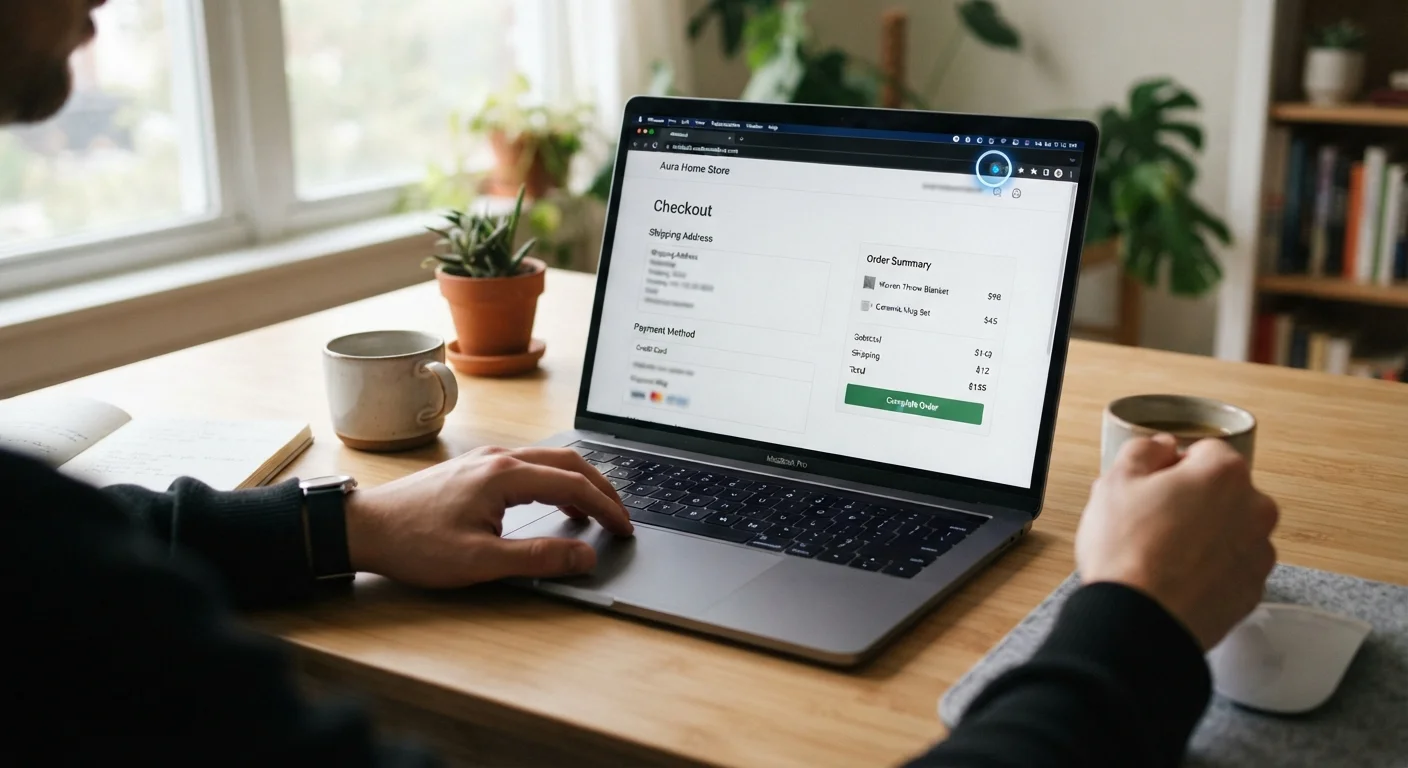
Photo: AnswersSquad.com | Explore Insightful Blogs editorial
Key Takeaways
- Automatic coupon and cashback extensions work by scanning checkout pages and injecting codes or tracking your clicks.
- Most extensions collect browsing data as part of their business model — reading the privacy policy is essential.
- Cashback extensions only pay out if you follow their specific activation steps and meet eligibility conditions.
- Extensions can occasionally conflict with each other or slow down your browser, especially on complex retail sites.
- Disabling extensions on sensitive pages — like banking — is a straightforward privacy precaution worth building into your habits.
How These Extensions Actually Work
Browser extensions that assist with shopping fall into two main categories: automatic coupon finders and cashback activators. Both operate quietly in the background, but their mechanics differ in ways that matter.
Coupon-finding extensions monitor when you land on a checkout page. They compare the retailer's domain against a database of stored codes, then attempt to apply each one automatically — usually showing you the result before finalizing anything. Cashback extensions work differently: they detect when you've navigated to a partner retailer and drop a tracking cookie that credits your account when a qualifying purchase is completed.
Neither type is magic. Coupon databases go stale quickly, and cashback rates vary by product category, retailer agreement, and whether you clicked through from the extension's own portal. For a deeper look at how these two savings methods compare in practice, see Cashback vs. Coupons: Which Actually Saves You More Over Time.
Understanding the mechanics helps you calibrate your expectations — and makes the privacy trade-offs below easier to evaluate.
They read your browsing activity — that's the trade-off
To do their job, shopping extensions need broad permissions. Most request access to read and change data on all websites you visit. That scope allows them to detect checkout pages, inject coupon fields, and log which retailers you browse — but it also means they're collecting a detailed picture of your online activity.
Extension developers typically monetize this data through affiliate partnerships, anonymous usage analytics, or both. This isn't inherently deceptive, but it does mean that "free" isn't quite accurate. You're exchanging data access for the convenience of automated code-finding. Reading the privacy policy — specifically what's shared, with whom, and for how long — before installing is the most direct way to assess whether that exchange is worth it to you.
"Free" extensions are usually funded by the browsing data you hand over at install.
Cashback requires specific steps to actually credit
Cashback extensions don't automatically reward every purchase you make at a partnered retailer. Most require you to click an activation button or navigate to the retailer via the extension's portal before shopping. If you land on the site any other way — through a bookmarked link, a search result, or another cashback portal — the credit typically won't apply.
Payout thresholds also vary. Many platforms require you to accumulate a minimum balance before you can withdraw, and cashback can be reversed if a return is processed or an order is flagged as ineligible. Checking the platform's terms for a specific retailer before completing your purchase avoids unpleasant surprises.
Cashback only credits when you activate the extension first — bookmarked links won't trigger it.
Code databases are only as good as their maintenance
Automatic coupon finders work by testing every code in their database against a given retailer's checkout. The quality of that database determines your results. A well-maintained database surfaces working codes quickly; a neglected one applies a long series of expired codes, which can look unprofessional if you're shopping in a shared environment and occasionally trigger fraud detection on some retail platforms.
No extension can guarantee it has the current or most valuable code for a given cart. Codes are added and expired constantly, and some retailer-exclusive or email-subscriber codes never appear in third-party databases at all. Extensions are a starting point, not a comprehensive coupon search.
An extension's coupon database is only useful if it's actively maintained and regularly updated.
Multiple extensions can conflict with each other
Running several shopping extensions simultaneously introduces the risk of conflicts. Two extensions may both try to inject code fields at checkout, causing page errors or silent failures where neither applies successfully. Some combinations slow page load times noticeably, particularly on JavaScript-heavy retail sites.
A practical approach: install one coupon-finder and one cashback tool at most, and check whether they're flagging the same retailers. If a checkout page behaves unexpectedly — freezing, refreshing in a loop, or failing to process — temporarily disabling your extensions and retrying is often the fastest diagnostic step.
Two competing shopping extensions at checkout can cause errors that leave you with no discount at all.
Sensitive browsing warrants disabling extensions
Because shopping extensions hold broad read permissions, it's a sensible habit to disable them when you're on pages that handle sensitive information — banking portals, tax filing services, healthcare accounts, or anywhere you're entering credentials or financial details you'd want tightly controlled.
Most browsers allow you to pause or disable individual extensions from the toolbar without uninstalling them. Setting a habit of toggling extensions off before logging into sensitive accounts takes seconds and meaningfully limits your exposure. For a broader view of data considerations when shopping online, the Online Shopping Smarts hub covers related practices worth knowing.
Disabling shopping extensions on banking or healthcare pages takes seconds and limits data exposure.
Check for extension updates and ownership changes
Browser extensions can be sold or transferred to new developers without prominent user notification. A well-reviewed extension acquired by a less scrupulous operator may introduce new data collection practices through a routine-looking update. Browser developers do review extensions, but that process doesn't catch every problematic change before it reaches users.
Periodically checking the permissions your installed extensions are requesting — and reviewing any changelog or developer notes when updates appear — is a low-effort way to stay informed. If an extension suddenly requests new permissions that weren't part of its original function, that's worth investigating before approving the update.
Extensions can be sold to new owners who quietly expand data collection through routine updates.
Making an Informed Decision Before You Install
The factors above aren't reasons to avoid these tools outright — they're a checklist for evaluating any extension before granting it access to your browser. Ask what data it collects, how it monetizes that data, whether it has a clear payout or redemption process, and whether it has a published privacy policy you can actually read.
Audit Your Extensions Periodically
It's also worth pairing your approach with awareness of what happens at the checkout itself. Extensions can help surface savings, but the checkout page is also where pressure tactics and upsells can erase them. Similarly, if you're weighing privacy trade-offs more broadly, shopping through apps versus a browser raises different considerations worth understanding.
Used thoughtfully, shopping extensions can reduce manual effort without costing you much — as long as you go in with clear eyes about what the extension gets in return.
This article is for general informational purposes only and does not constitute financial or legal advice. Always review an extension's privacy policy and terms before installing.
The content provided on our blog site traverses numerous categories, offering readers valuable and practical information. Readers can use the editorial team’s research and data to gain more insights into their topics of interest. However, they are requested not to treat the articles as conclusive. The website team cannot be held responsible for differences in data or inaccuracies found across other platforms. Please also note that the site might also miss out on various schemes and offers available that the readers may find more beneficial than the ones we cover.